Privacy-first lost & found tags
Lost something? Scan it. Find its owner.
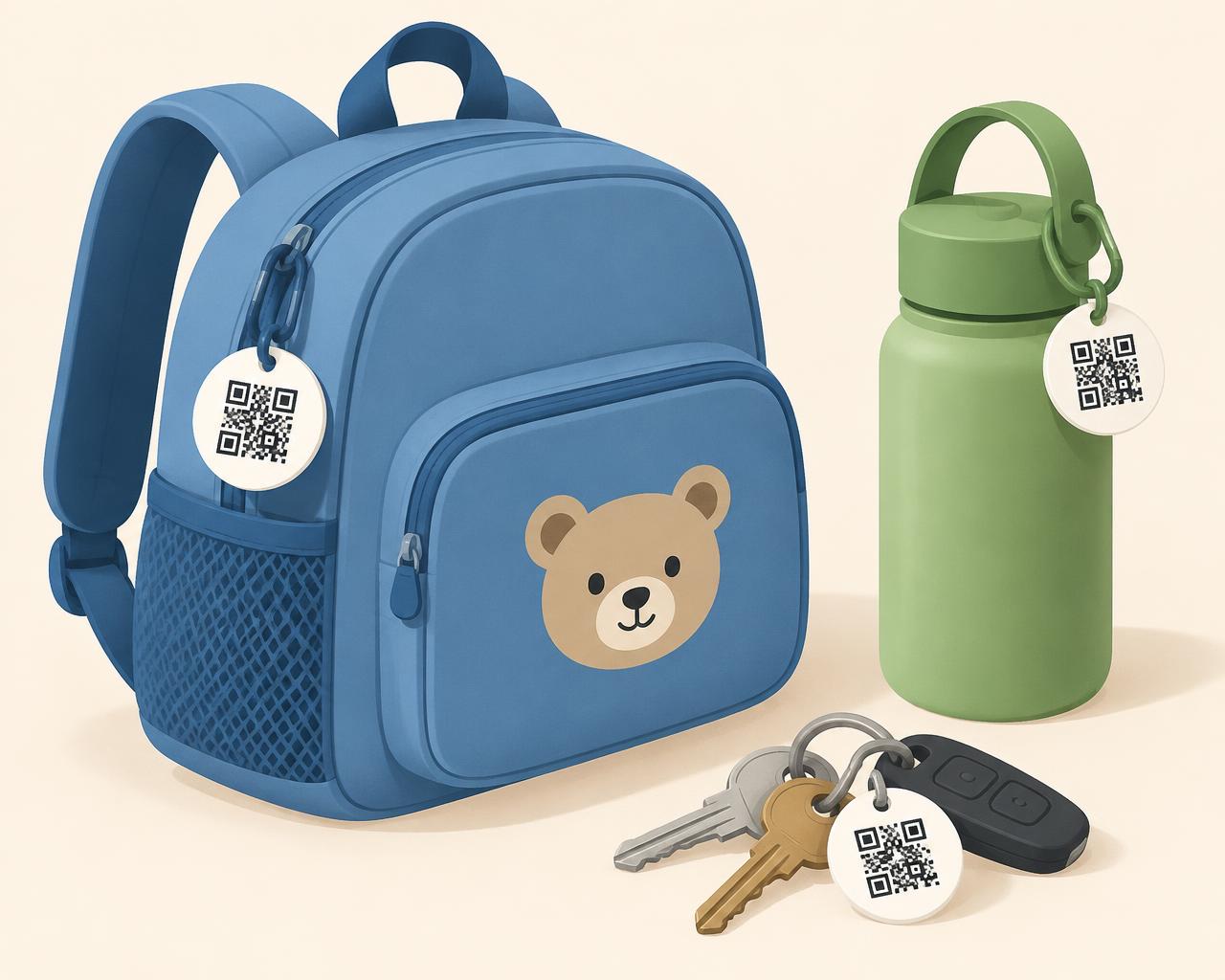
Scan Find Me helps return lost bags, coats, bottles, bikes, keys, and other belongings. Attach a private QR tag so someone who finds your item can contact you safely.
- No app for finders
- Contact details hidden
- Tags you can switch off
New message
“Found your blue backpack at the park!”
How it works
From sticker to safely home in four steps
Add your family
Create a free account and add the people whose things you look after — nicknames are fine.
Register an item
Add a backpack, coat, bottle or bike. Every item gets its own unique, private QR tag.
Print & stick
Download a printable sticker sheet and attach a tag where it's easy to spot.
Finder scans
Anyone can scan it with their normal phone camera and send you a message. No app, no account.
Privacy & safety
Built for families, private by default
A Scan Find Me tag contains only a long random code — never your name, phone number or address. When someone scans it, they see only what you've approved.
- Finders message you without seeing your contact details
- No legal names, birthdays, schools or home addresses required
- No precise location tracking
- Suspicious messages are held for you to review
What a finder sees
Backpack · “Blue bear bag”
Blue backpack with a bear patch on the front.
What stays private
- • Your email
- • Your phone
- • Child's name
- • Home address
- • School
- • Private notes
Why families use Scan Find Me
Works with any phone
Finders just point their camera. Nothing to download.
Your details stay private
Finders never see your email, phone number or name.
Messages in one place
Read every finder message securely in your dashboard.
Turn tags off anytime
Deactivate a tag instantly if a sticker is lost or misused.
Made for families
Organise items by family member — no legal names needed.
Free to start
Create your first tags for free and print them at home.
Give your things a way back home
Create your free account and print your first tags in minutes.